Networking Overview
This page describes how RouteMaster VR operates on IP networks for router control. It's helpful for network administrators who need to configure firewalls, etc for RouteMaster VR use.
Internal Communications
When you start the RouteMaster VR application running, you're effectively starting two independent processes. The RouteMaster VR "backend" is responsible for actual control of the router, and handling all incoming connections, while the RouteMaster VR "frontend" present a GUI interface for the backend allowing settings to be viewed/changed and similar functions.
They communicate via a simple HTTP REST API, with the frontend issuing requests to the backend server. The port selected for this communication is normally an ephemeral port chosen by Windows, but you can specify a fixed port using command line options. This is used to ensure a known port when running RouteMaster VR as a Windows service.
Control of Downstream Routers
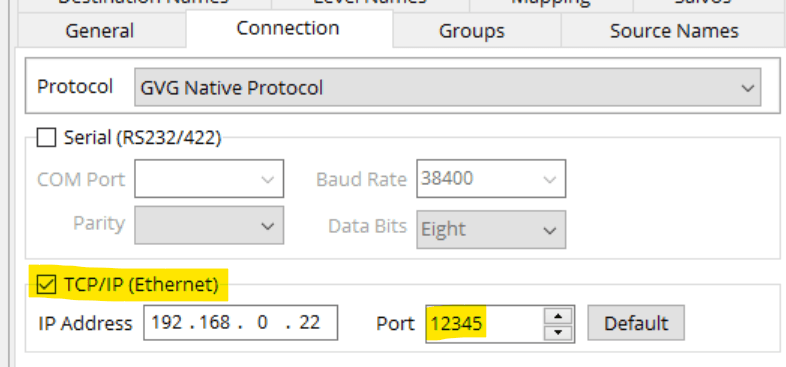
RouteMaster VR supports a wide range of protocol for controlling routers. These typically use TCP/IP, with RouteMaster VR as a client, connecting to the router which acts as the server. The port number chosen must match the configuration of the router being controlled.
These protocols are typically simple command packet-oriented ones, and have no encryption and only the simplest authentication. Connection between RouteMaster VR and any routers being controlled should be on a secure private network.
Control with Upstream 'Client' Protocols
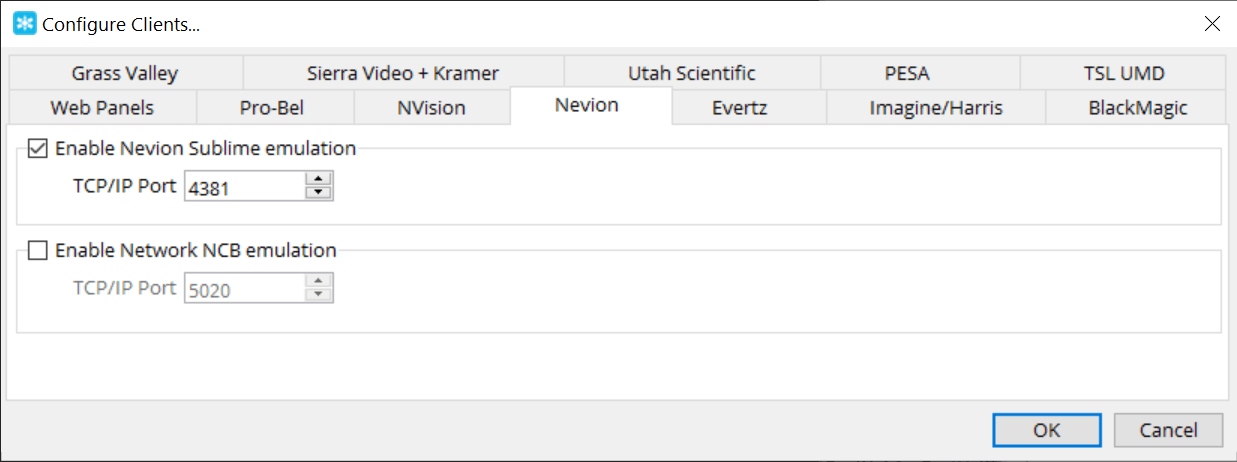
RouteMaster VR can also be controlled using a wide range of common protocols for router control. This allows third-party systems and hardware panel to operate directly with RouteMaster VR. Each of these protocols can be individually enabled, and the listening port configured via the RouteMaster VR UI.
For the upstream protocols, RouteMaster VR acts as a server and accepts multiple incoming client connections on each enabled port. The total number of allowed clients is determined by the product's license.
RouteMaster VR Web Server and Web Panels
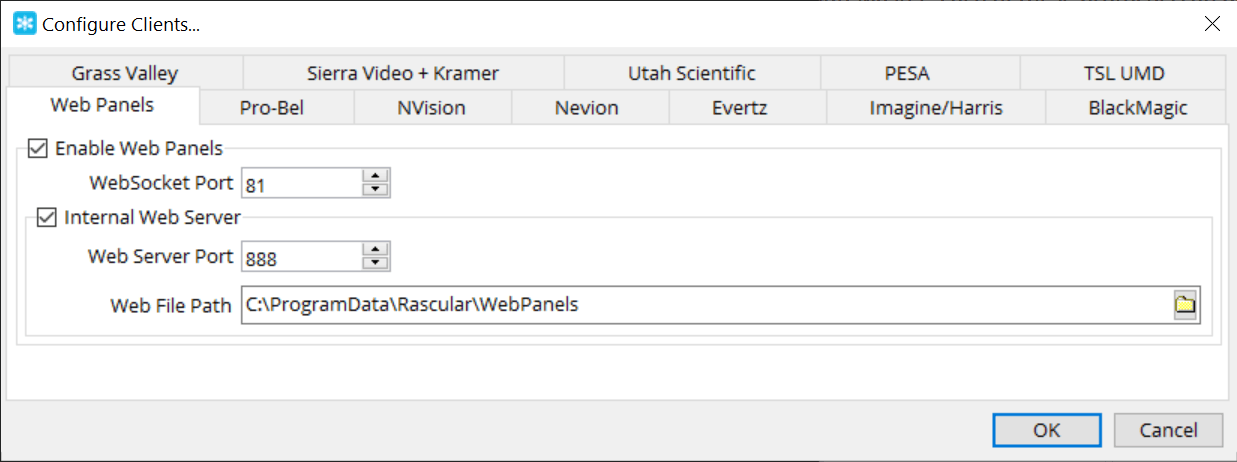
RouteMaster VR's' built-in HTTP Server allows the system to be configured and monitored entirely from a web browser.
The server can also hosts Web Panels, which give web-based router control from any modern browser. The panels are loaded over HTTP/HTTPS, but the control communications for making routes and tallying status uses the HTML5 WebSocket protocol with a JSON payload.
Ports for both these protocols can be configured from the GUI. Because the WebSocket protocol is used between the RouteMaster VR frontend and backend for router control, it's permanently enabled.
Web Panels hosted by RouteMaster VR have no authentication or encryption. These features are provided by Rascular's WebCentre software which works alongside RouteMaster VR.
NDI Video Routing
RouteMaster VR Lite also support NDI routing, creating a virtual NDI switcher which can be controlled by the above client protocols. NDI port and protocol usage varies depending on the NDI versions being used, but good information can be found on the NDI website.
Note that NDI routing does not require significant network bandwidth. The router effectively joins the source and destination together, without any video data flowing through the RouteMaster VR system.