Router Configuration
The Router Configuration page allows you to view and edit settings for the routers controlled by RouteMaster VR. It duplicates (and will eventually replace) the router configuration settings from the application UI.
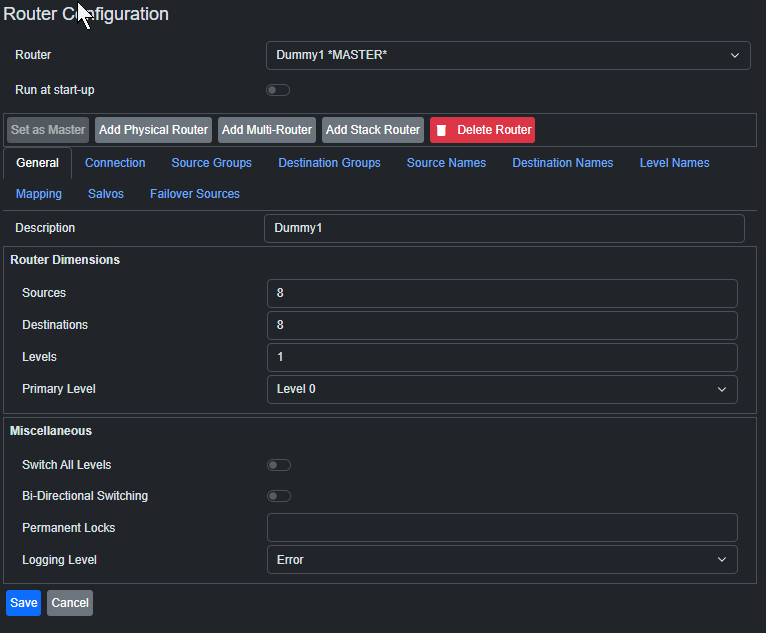
After making changes to the Router Configuration, press Save to ensure they're committed, then restart RouteMaster VR from the Status page.
Please note that this page does not yet support all configuration options - in particular, Multi-Routers and Stacked Routers cannot yet be configured here, and must be configured using the application UI. Support for these features will be added in a future release.