Elgato Stream Deck
Elgato’s Stream Deck is handy USB button “shot-box” that can be used for quick access to a wide range of control functions. It’s easy to integrate RouteMaster VR for router control.
This gives you control of the full range of routers supported by RouteMaster VR, including routing for NewTek NDI® in RouteMaster VR. We'll use the Stream Deck with BitFocus Companion software, which includes a driver for Blackmagic Design's VideoHub routers.
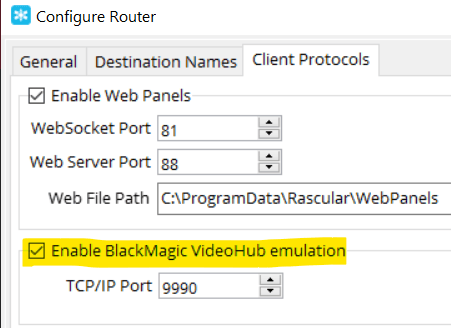
In RouteMaster VR, enable the VideoHub client protocol, on port 9990. ( RouteMaster VR allows you to select different port numbers, but Companion is fixed at 9990)
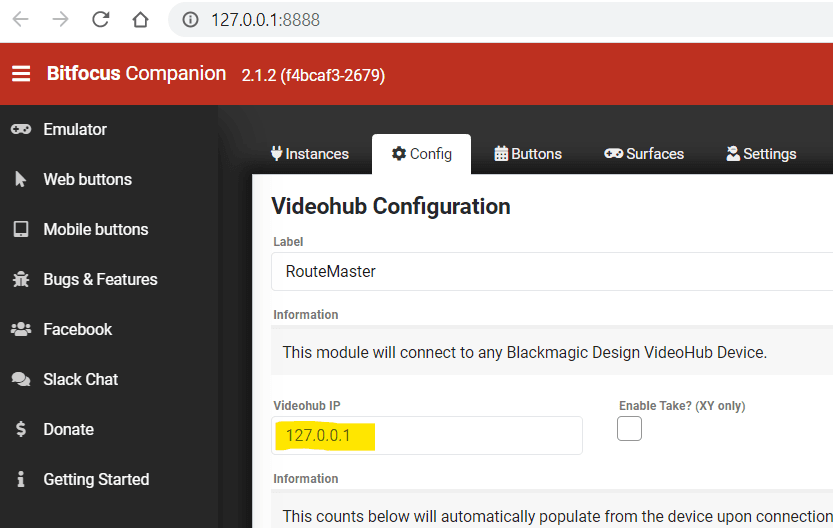
In Companion, add a VideoHub instance, and set the IP address to the RouteMaster VR system you're controlling.
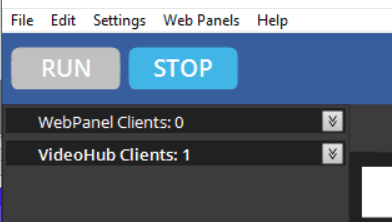
If the connection is established correctly, you'll see an "OK" status in Companion, and a client connection in RouteMaster VR (Menu/Settings/View Client Info)
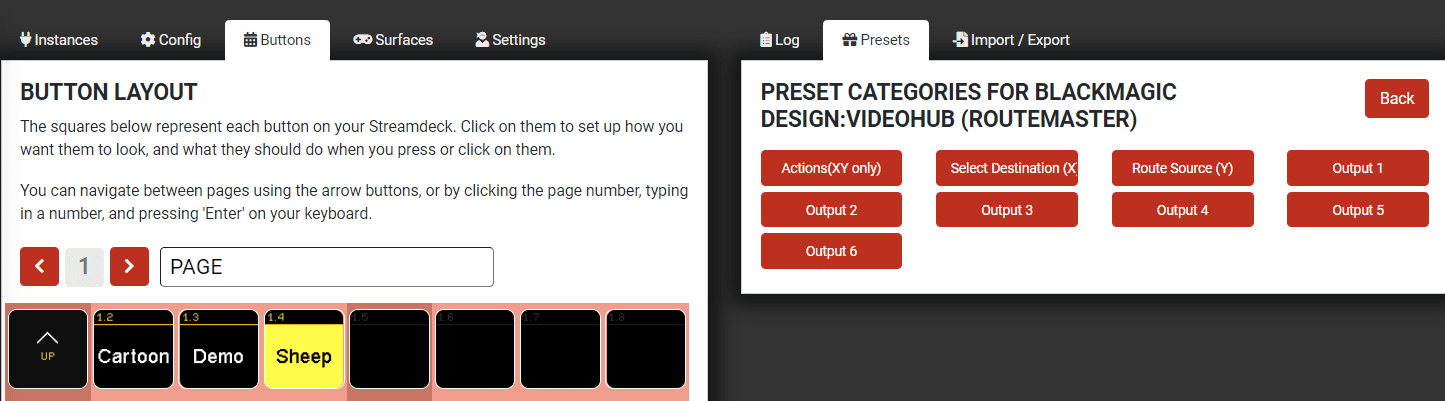
You can now program buttons in Companion to make routes, and display source and destination names from the router.
If there are problems connecting to RouteMaster VR from Companion, check that RouteMaster VR has been able to allocate port 9990 correctly.